
Deeply integrated. Operationally optional. Developer controlled.
Safire AI is being designed as a first-class platform service that can understand the real project, use explicit tools and produce reviewable development changes — while Safire remains fully usable with AI disabled.
AI should work with the application model.
Safire AI can receive structured context from the selected procedure, control, window, table, query, test or project instead of relying only on pasted text.
- Language and runtime knowledge generated from Safire metadata.
- Project-aware source, symbol and application context.
- Document and image understanding where enabled.
- Typed tool calls rather than unrestricted shell access.
- Review, approval, build and test evidence around changes.
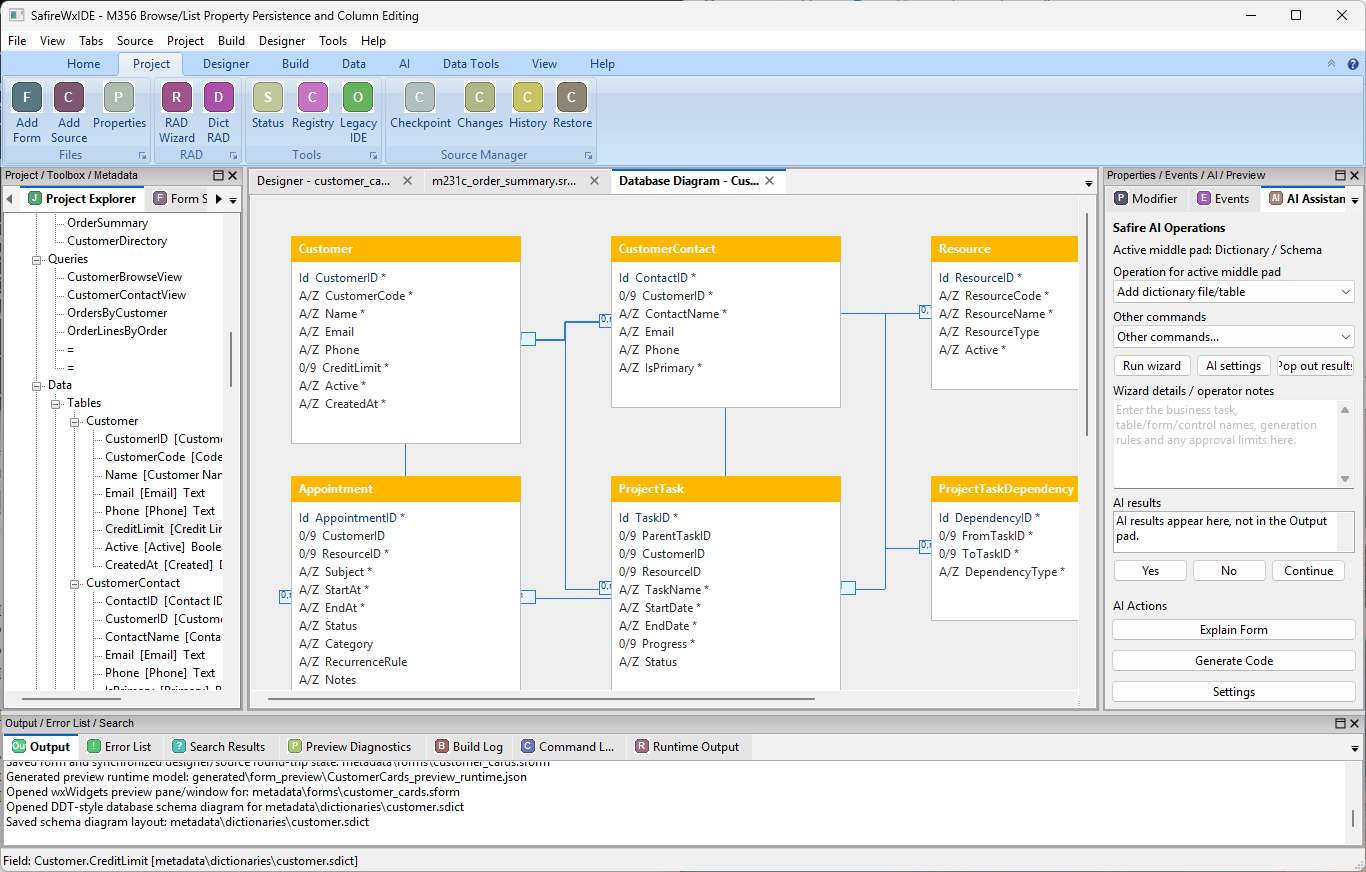
Explain, design, develop, review, test and diagnose.
Explain
Understand unfamiliar source, windows, data relationships and application behaviour.
Design
Help design windows, classes, data structures, APIs, reports and workflows.
Develop
Generate or modify Safire source and structured application objects.
Review
Find risks, missing validation, inconsistent behaviour and change impact.
Test
Generate tests, run approved suites and analyse failures.
Document
Create and maintain technical, design and support documentation.
Local, remote or enterprise models behind a Safire-owned service contract.
Safire should not scatter provider-specific calls throughout the IDE or runtime.
Advice and action are different capabilities.
AI can be granted explicit levels of access. High-impact actions should remain approval-gated.
| Capability | Typical policy |
|---|---|
| Read selected project context | Allowed when AI is enabled for the project. |
| Explain / review / plan | Allowed. |
| Propose source changes | Allowed, presented as a reviewable change. |
| Apply writes | Approval policy controls whether the AI may commit the change to working source. |
| Build and run tests | Allowed according to project/tool policy. |
| Create checkpoint / restore | Explicit developer approval. |
The same AI core can serve developers and end-user applications.
Safire applications can eventually use AI controls and language APIs without coupling their business logic to a particular model provider.
Assistant AIControl
    ProviderProfile = "LocalDevelopment"
    Context = CurrentProject
    RequireWriteApproval = True
    ShowCitations = True
End
AI works for the developer.
Safire remains a professional development environment whether AI is enabled or not.