
Work visually. Drop into source. Keep the same application truth.
SafireIDE is the primary professional working environment for Safire developers — combining visual RAD, source, data, events, diagnostics, tests, Source Vault and optional AI context.
Designed for the full development day.
A full-stack business developer should be able to move from a database field to a form, event handler, query, test, build or history view without reconstructing the application in their head.
- Solution and project navigation built around application objects.
- Visual designers for windows, controls and future business artefacts.
- Source editing for precise language-level control.
- Contextual events, properties and developer commands.
- Build, test and diagnostics integrated with the project.
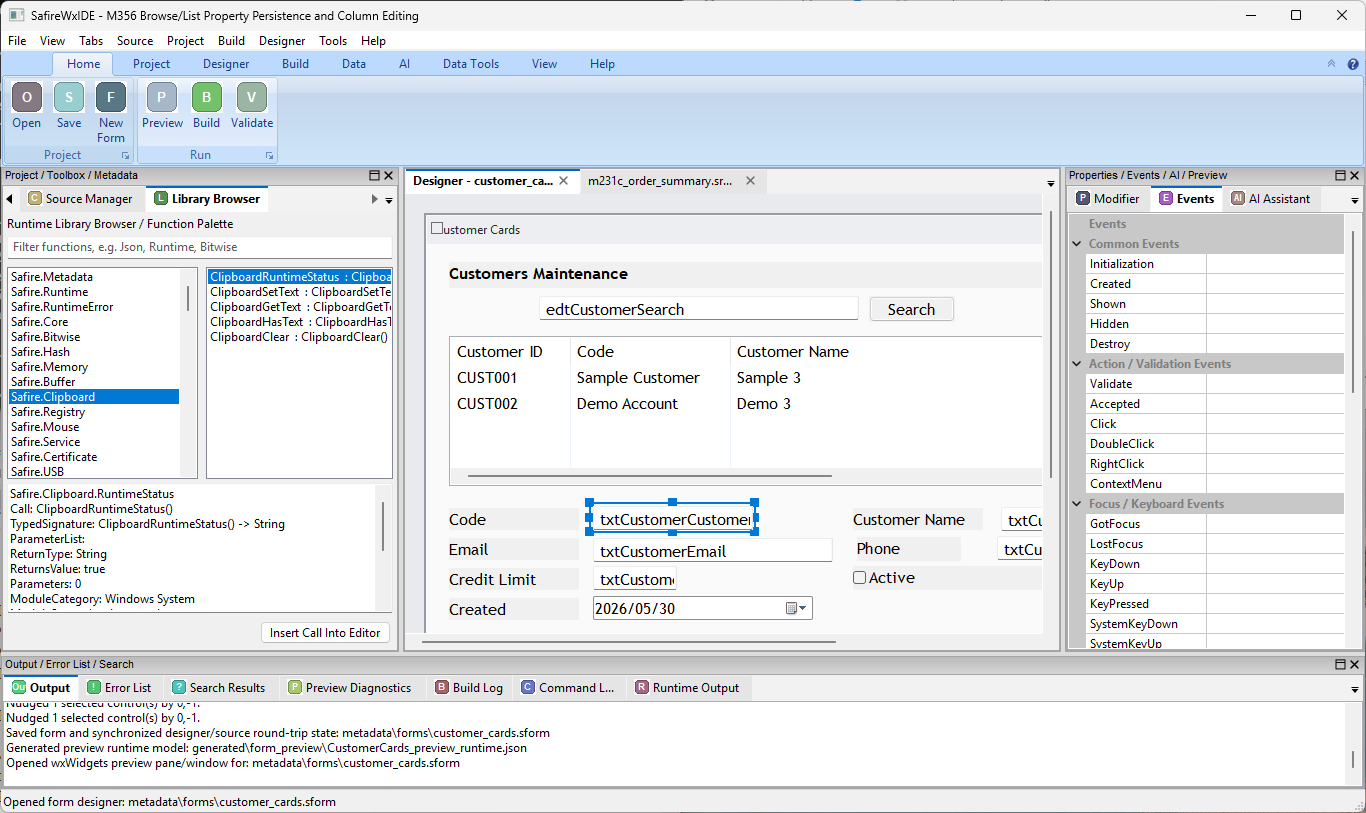
Select the thing you are working on — not merely the file that contains it.
Data view
Schema, fields, relations, queries and database context.
Design view
Window/control hierarchy, designer surface and modifier properties.
Source view
Readable Safire source, procedures and event handlers.
Proof view
Build output, diagnostics, tests and change evidence.
Source truth without source-file tyranny.
Most developers should use the IDE 99% of the time. That should never mean surrendering the source.
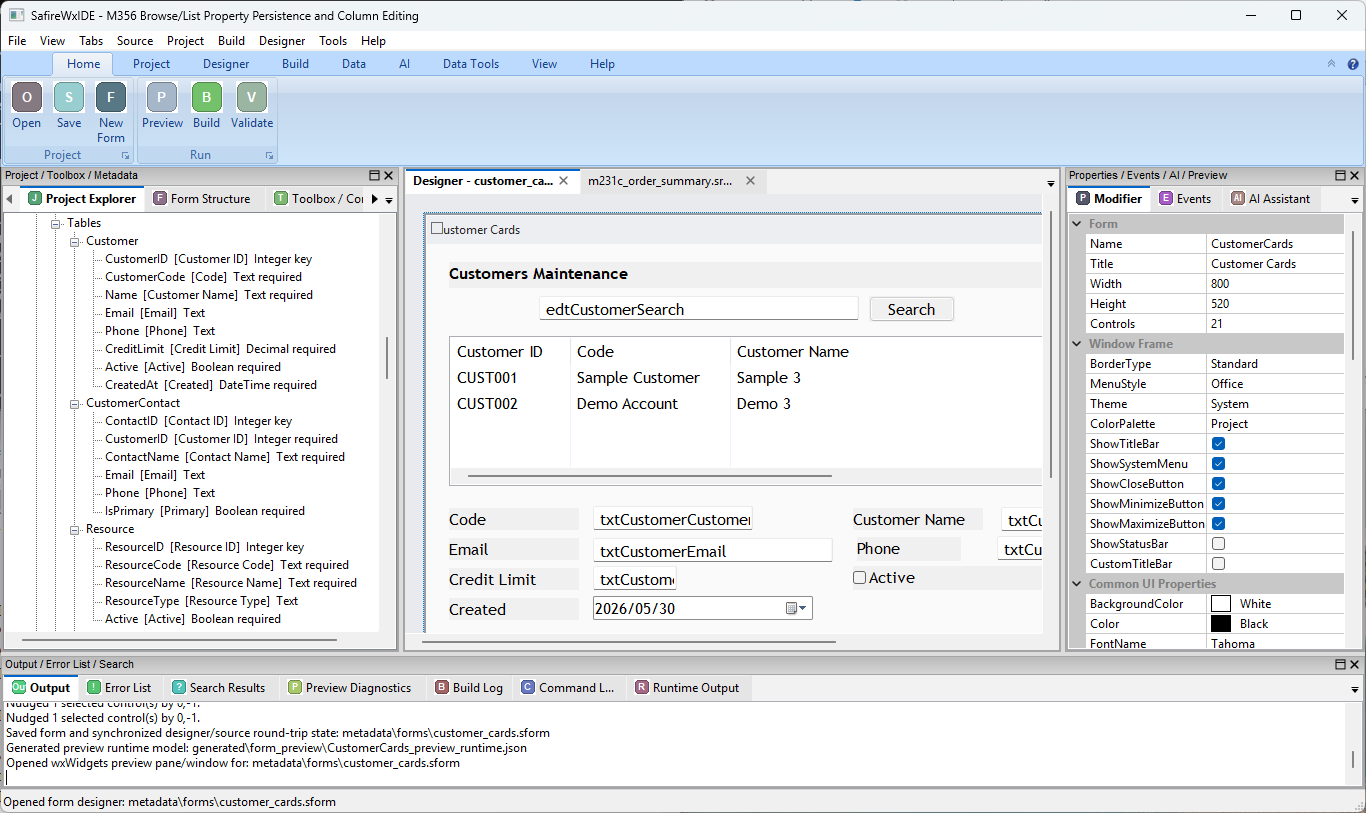
Right-click should open the work around an object.
Controls, windows, tables, procedures and tests can expose context-specific development operations rather than forcing the developer to navigate a global tool maze.
Control
Properties, bindings, events, source, validation, tests and AI actions.
Table
Schema, relations, queries, usage, migrations, CRUD generation and test data.
Procedure
Callers, references, tests, diagnostics, review and refactoring.
Window
Control tree, event code, bindings, preview, tests and design review.
Failure
Affected source, last change, related tests, runtime diagnostics and likely repair.
History
Diff, why it changed, who changed it, tests and release provenance.
Open the code associated with the control.
The IDE should make the main events immediately visible and let developers add less-common events without leaving the design context.
- Common events shown first.
- Additional events available from the control's event catalogue.
- Event code can appear in a central source pad or dedicated working view.
- Right-click actions can move directly between design, source and event wiring.
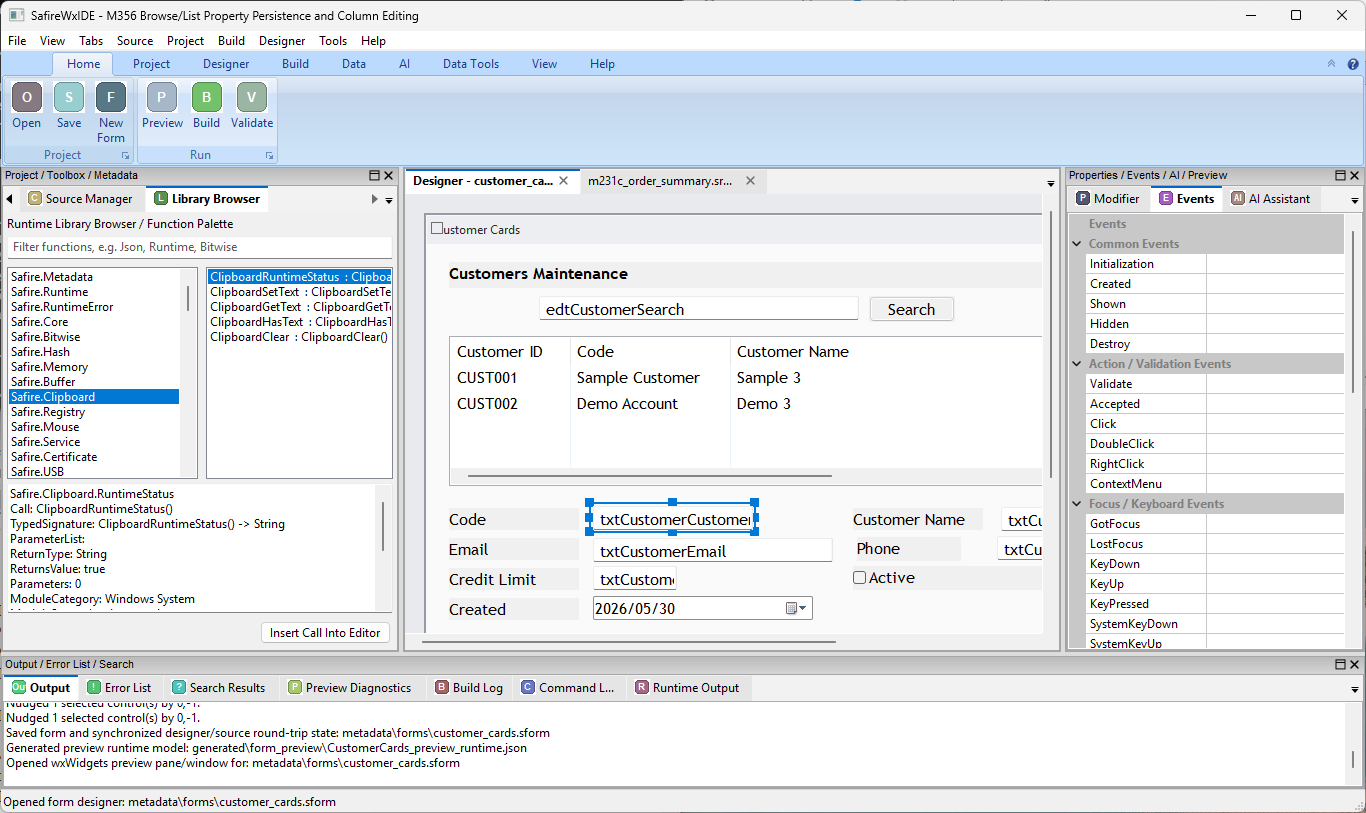
AI context should follow the work.
A selected table, window, control or procedure already provides a natural context boundary. Safire AI can use that context instead of requiring every prompt to rediscover the project.
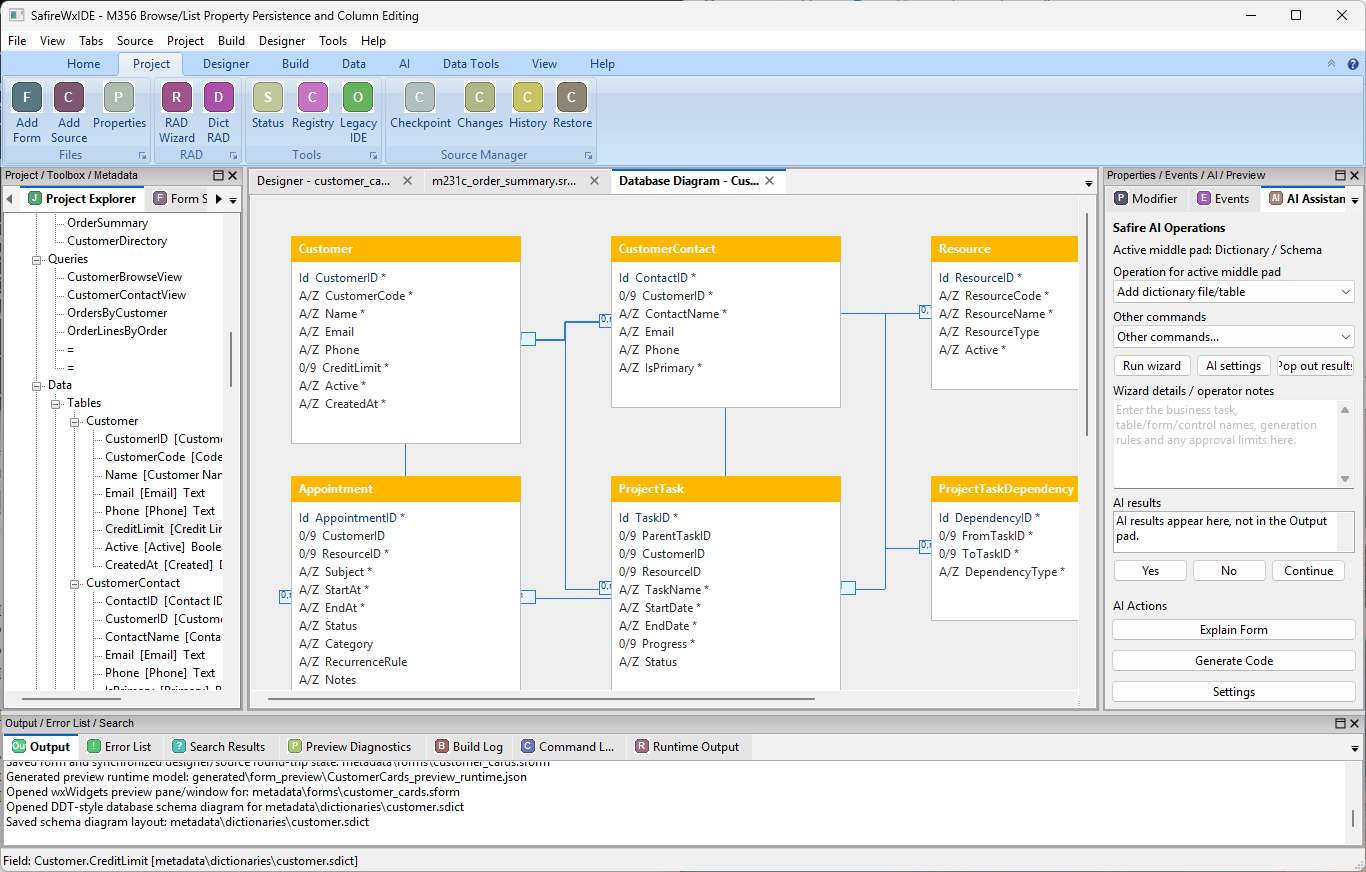
Safire semantics above mature native infrastructure.
Safire Desktop V1 targets Windows x64 with wxWidgets beneath the public Safire application model. The developer works with Safire controls, events, binding, validation, themes and business concepts — not wxWidgets mechanics.
The IDE is where you work.
Visual productivity on top of explicit source and a coherent application model.